
The soccer referee app
Own the
match.
Find games, keep the match moving, and send your final report straight to your league director.
iPhone, iPad & Apple Watch · Private pilot preview
Android app coming soon
Match day
From assignment to final whistle.
Use your Apple Watch on the field with a paired iPhone, run Match Control on your iPhone on its own, or review the game on the iPad’s larger screen.
Find your next match
Set your availability, request open games, and review assignments in one place.
Make the call
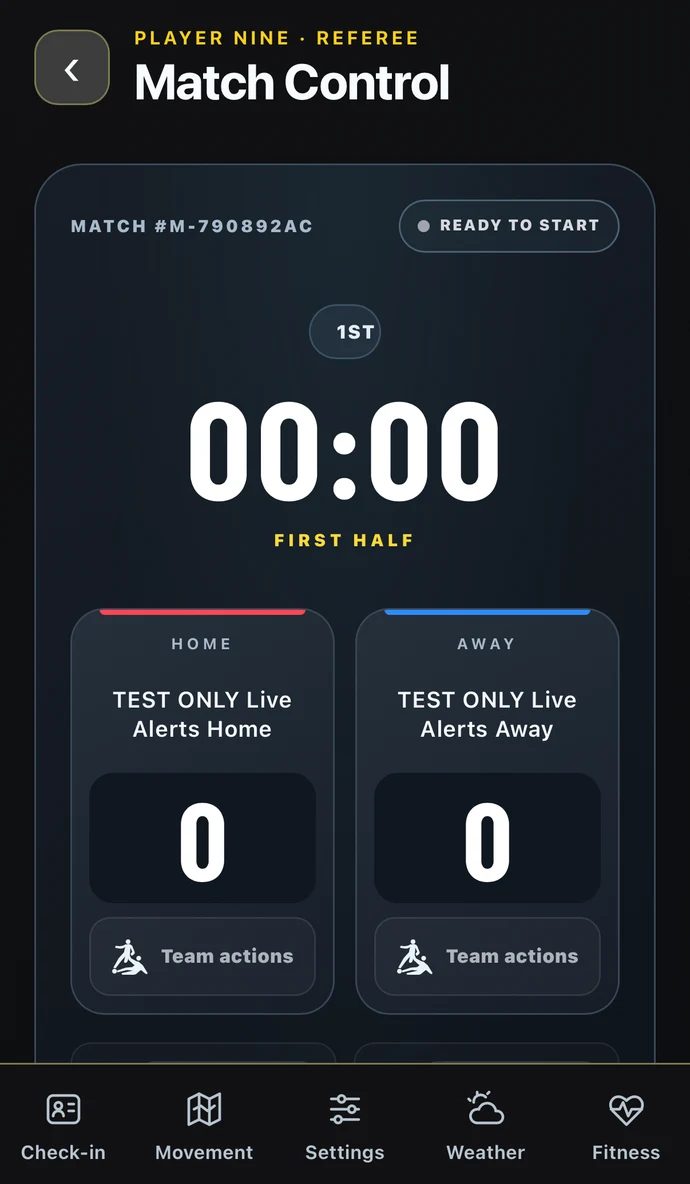
Check in players, run the clock, and manage shootouts. Use voice commands to log goals, fouls, cards, and substitutions.
Finish the report
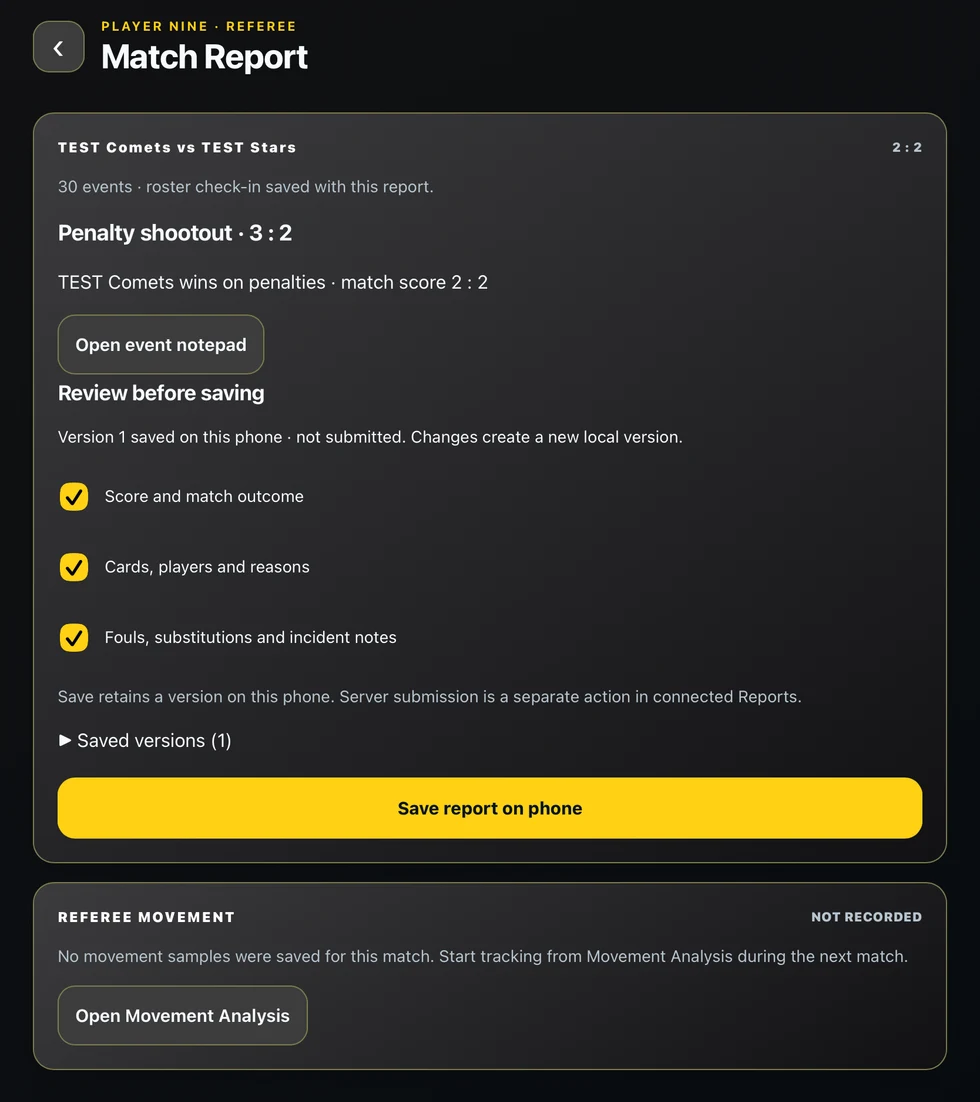
Review the match timeline, add voice notes, and submit your match report to the league director.
Review movement and stats
Calibrate the pitch, review GPS heatmaps and your position when calls were recorded, and see team stats by half.
Track your payouts
Set up your payout account and check the status of your game fees in Payments.
Apple Watch
Match Control on your wrist.
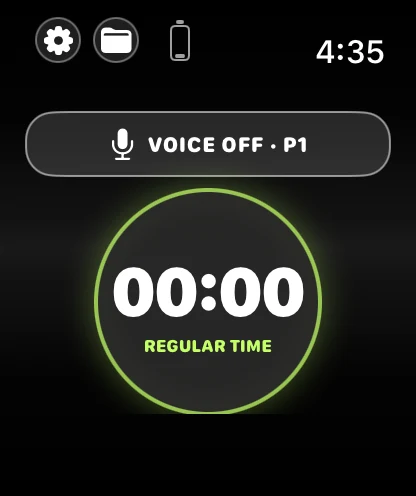
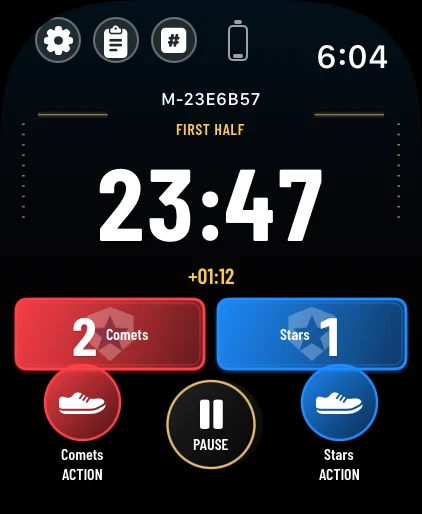
Use your paired Apple Watch to run the clock and call actions by voice. Speak the call, then review and confirm it on your wrist.
Clock and score
See the period, elapsed time, stoppage time, and score. Pause play from your wrist.
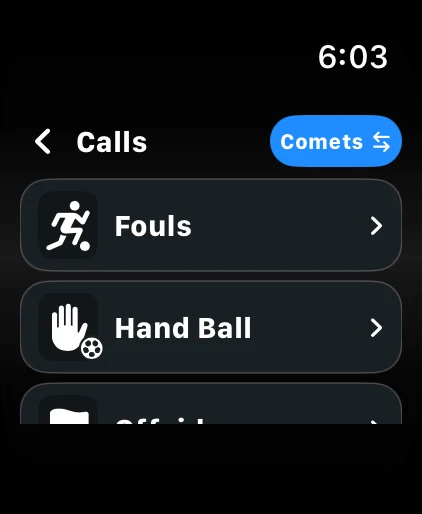
Call a foul
Open the calls menu for fouls, handball, offside, and other decisions.
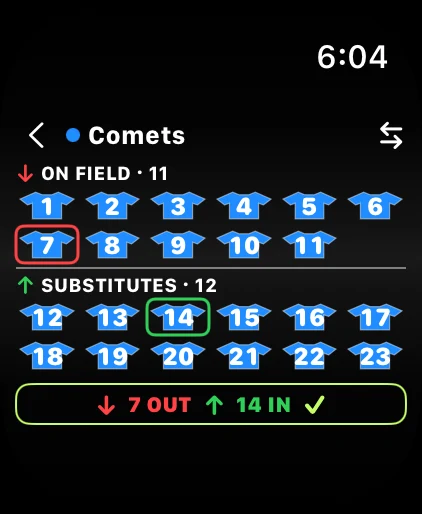
Make a substitution
Choose the player leaving the field and the substitute coming on.
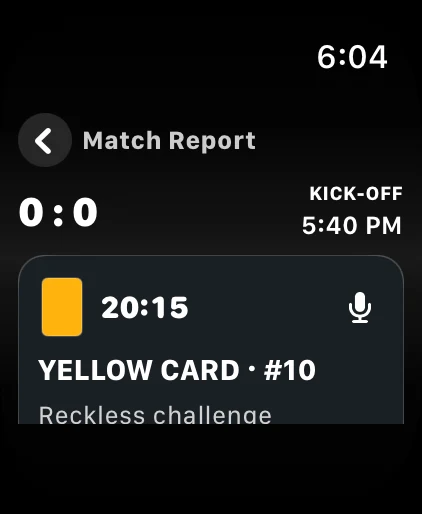
Review a card
Check the player number, reason, and time in the match report.
iPhone & iPad
Inside the referee app.
These simulator screenshots show fictional match data.
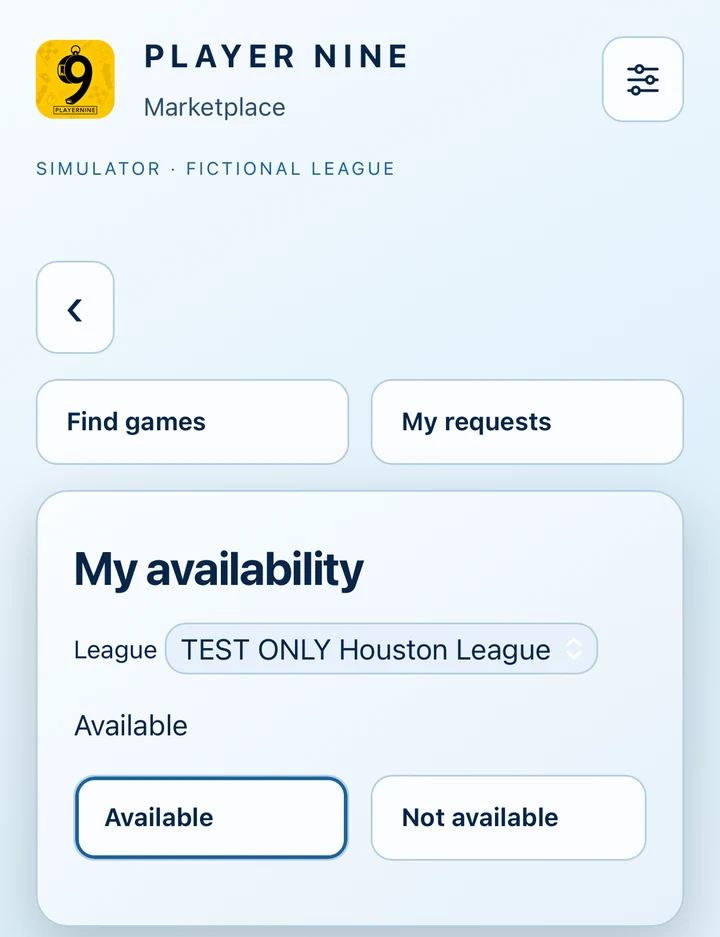
iPhone Referee Marketplace
Find open games, review requests, and update your availability for the league.
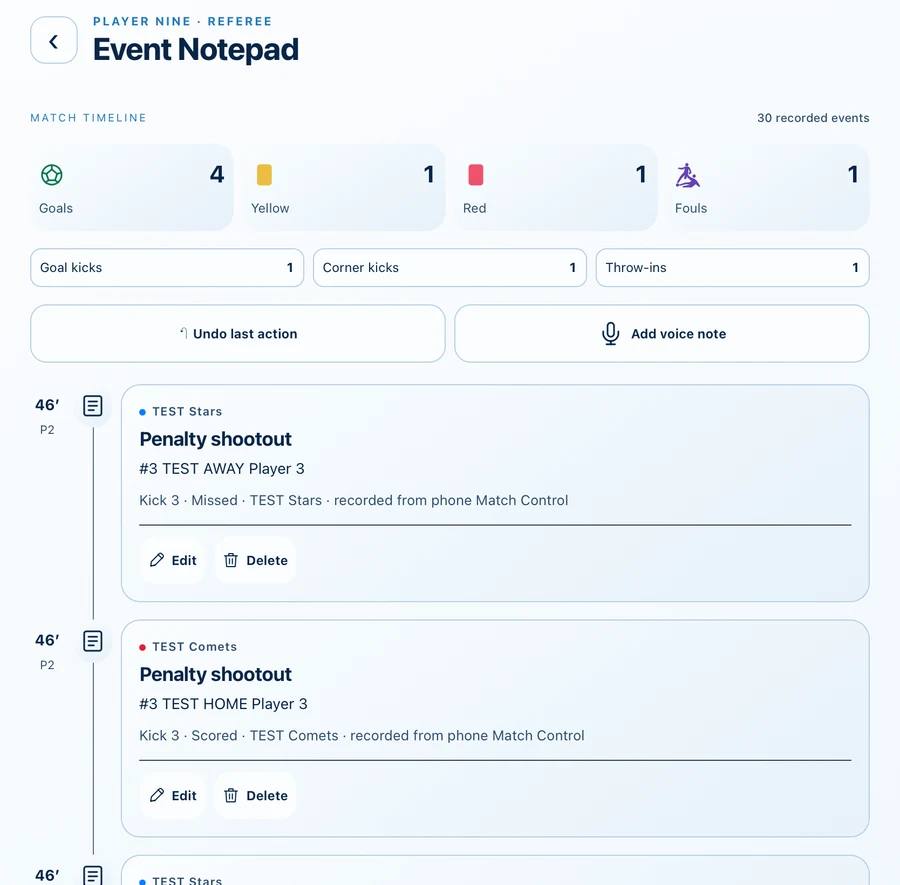
iPad Event Notepad
Review goals, cards, fouls, and restarts in order. Add a voice note before sending the report.
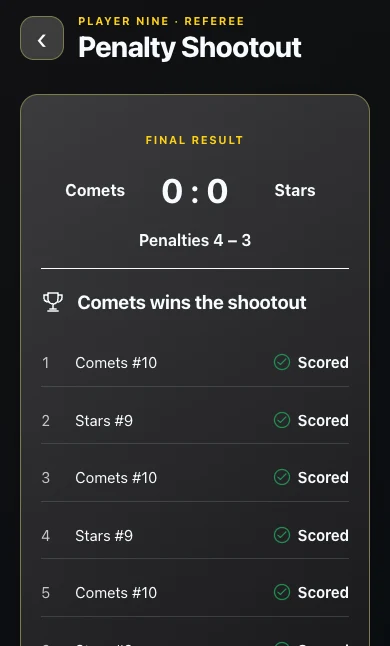
iPhone Penalty shootouts
Record each kick, then see the shootout result alongside the match score.
Connected to the League Director app
One match.
One shared record.
The assignment you accept and the report you submit are tied to the same match in the director’s Player Nine workspace.
The director sets the match
The league publishes the schedule, opens games for coverage, and assigns referees.
You take it from kickoff
Accept the assignment, open the match and roster, and record the action as it happens.
The league reviews your report
Send the final score, match events, and your notes back to the director for review on the same match.
Your referee workspace.
Sign in with your Player Nine referee account.